House Guide
Everything you need to know for a comfortable stay at Galaxy Homes.
Check-in & Check-out
Check-in: 3:00 PM
Self check-in with smart lock. Access instructions will be provided before arrival.
Check-out: 11:00 AM
Please ensure all windows are closed, lights are off, and doors are locked when leaving.
Check-in Procedure
Access Code: You will receive your unique access code via email 1 day before your arrival. The code will be valid for the duration of your stay.
Late Arrival: If you anticipate arriving after 10:00 PM, please let us know in advance. The smart lock is illuminated for nighttime access.
- Approach the front door and locate the keypad on the right side.
- Touch the lock screen to initiate it.
- Follow the 4 digits guiding code on the screen.
- Enter the provided passcode and press the "#" button.
- Pull the handle after the entering the correct passcode.
- Wait for the door to unlock itself.
- The door will close and lock automatically after a short delay.
Check-out Procedure
- Put all rubbish in the bin.
- Unload the dishwasher and place them in the drawers.
- Ensure all food is removed from the refrigerator.
- Turn off the air conditioner.
- Lock all external doors when leaving (Laundry, Backyard, Garage and Front Entry).
- Place the garage remote in the garage drawer.
- Place the street parking permit in the living room.
WiFi & Internet
WiFi Information
Network Name: Galaxy-Home-Ashford-Guest
Password: 49E-Farnham
Our high-speed NBN is perfect for streaming, video calls, and working remotely. If you experience any connectivity issues, please try the following:
- Restart your device and try reconnecting to the network.
- Locate the router (white) in the living room and check if the lights are on.
- If needed, restart the router by unplugging it for 30 seconds, then plugging it back in.
- Allow 2-3 minutes for the router to fully restart.
Parking Information
Parking Options
- Driveway: One dedicated parking space available in the driveway
- Street Parking: Additional street parking available with provided permit
- Important: Please note street parking signs to avoid tickets
A street parking permit is provided in the living room. Please display it when using street parking and return it to the living room before check-out.
Appliance Instructions
Kitchen
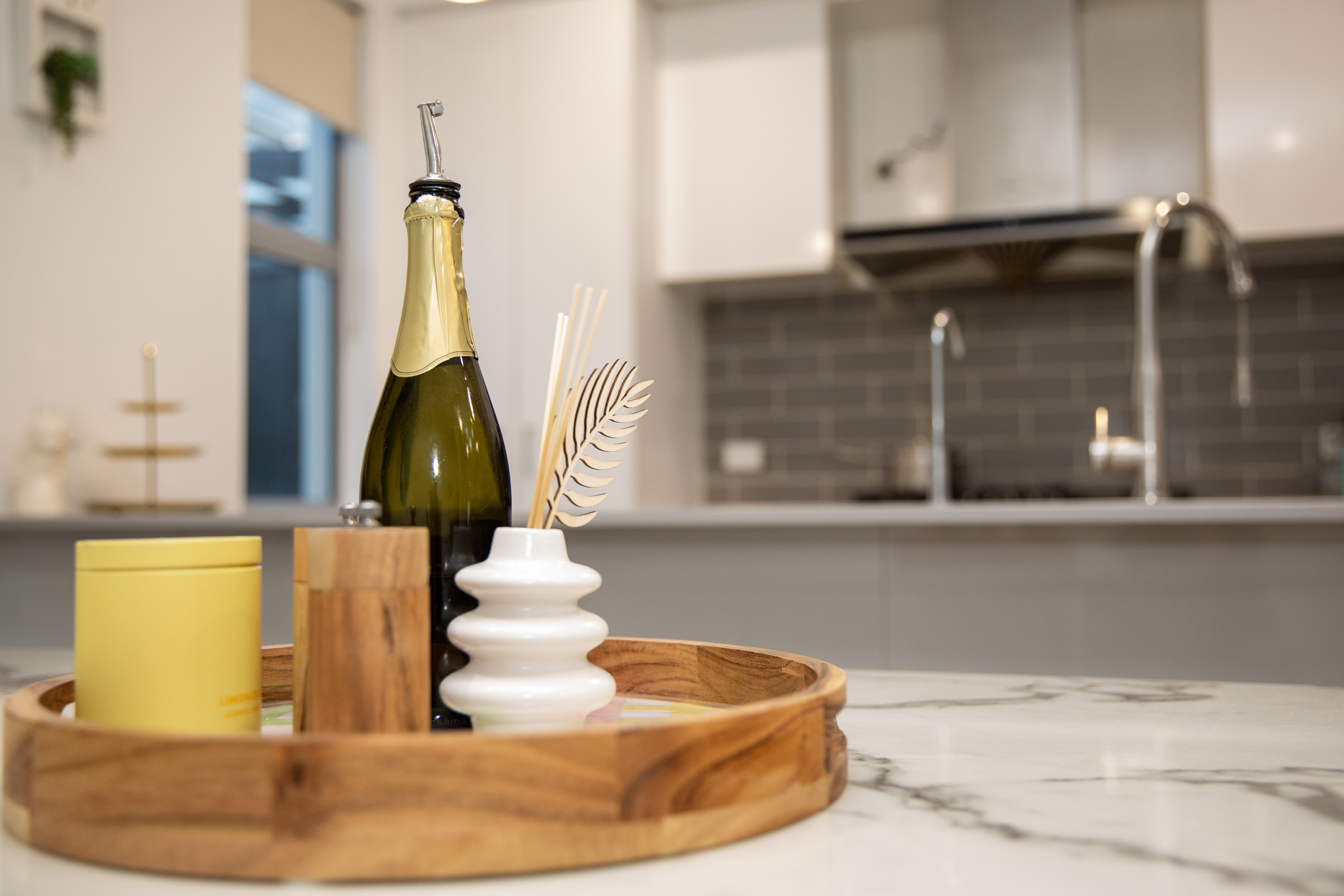
Refrigerator
The refrigerator has multiple compartments and plenty of space for storing food.
Freezer
The freezer is located in the gararge with full capacity to store frozen food.
Bar Fridge
The bar fridge is located in the 1st floor next to the TV unit. A small freezer compartment is available for storing frozen food while the refrigerator is great for cold drinks.
Oven & Stovetop
The gas cooking stovetop has 5 burners. Turn on burners by pressing down the associated buttons and turn to left. Use the provided lighter if needed.
Dishwasher
Load dishes, add dishwasher tablet (provided) to the dispenser, close the door. Press the ON/OFF button once, then select your desired cycle, and press Start. Please empty the dishwasher before check-out.
Coffee Maker
A Nespresso machine is available for your use. Insert a coffee pod (provided), ensure the water tank is filled, place your cup under the spout, and press the button for your desired coffee size. Only fill the water tank using the filtered water at the sink.
Use the milk frother if preferred. Clean the milk frother after each use.
Laundry
Washer
The front-loading washer is located in the Laundry room. Add detergent to the dispenser drawer, load clothes, select your cycle, and press start. Please do not overload the machine.
You can press pause and load additional clothes during the wash.
Dryer
The dryer is on top of the washer. Clean the lint filter before each use, load clothes, select your drying cycle, and press start. Please do not leave the dryer running when you leave the house.
Provided Supplies & Amenities
Starter Supplies
- High-quality linens and basic toiletries (shampoo, conditioner, body wash, hand soap)
- Starter supply of toilet paper, dishwasher liquid, dishwashing tablets, and rubbish bags
- Variety of tea bags and coffee
Cooking Essentials
Basic cooking essentials provided include:
- Oil, salt, sugar, vinegar, pepper
- Soy sauce and common spices
- Kids' cutlery, plates, and bowls for family dining
Additional Amenities
Outdoor Facilities
BBQ facilities, gas heater for cooler evenings, and comfortable outdoor dining area
Entertainment
Board games, cards, kids' toys, and outdoor kids' play bench
Fitness Equipment
Treadmill, weights, yoga ball, and other exercise equipment
Laundry Facilities
Washing machine, dryer, clothes hangers, clothesline, iron, and ironing board
Entertainment Systems
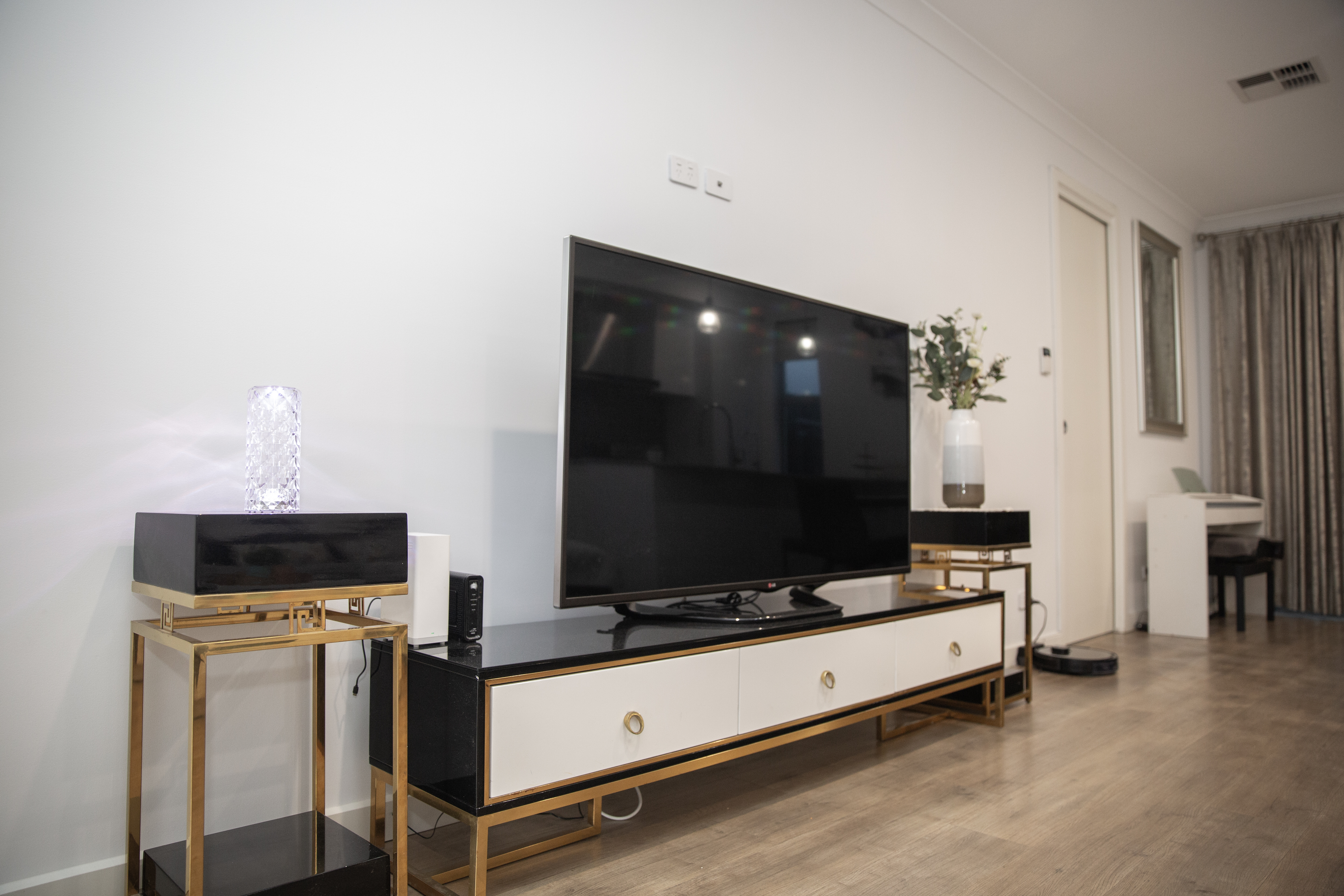
Ground Floor Smart TV
The ground floor living room features a 48" Smart TV with connection to external antenna. To use:
- Turn on the TV using the LG remote.
- Select the desired channel or choose the Apps from the home screen.
- Log in with your personal accounts with the streaming Apps.
- Remember to log out your accounts before check-out.
The TVs also have HDMI inputs if you wish to connect your own devices.
1st Floor Smart TV
The 1st floor family room features a 48" TV with connection to a Chromecast TV Setbox. To use:
- Turn on the TV using the TV remote (big).
- Choose input to HDMI 2.
- The screen should show the Chromecast Apps.
- Log in with your personal accounts with the streaming Apps or use the free version.
- Remember to log out your accounts before check-out.
The TVs also have HDMI inputs if you wish to connect your own devices.
Heating & Cooling
Ducted Air Conditioner
The house is equipped with Ducted Air Conditioner with different zones to control temperature separately. To adjust:
- Press the start button on the main control panel (blue button).
- Choose the desired mode: Heat, Cool, Fan or Auto (default to Auto).
- Set your desired temperature by pressing up and down buttons.
- The display will show the target temperature.
- To select different zones for different rooms, use the touh screen under the main control panel.
- Room 1 is the Master Bedroom, Room 2 is the bedroom opposite to the master bedroom, Room 3 is the bedroom adjacent to the 1st floor family bedroom, Study is the Ground floor bedroom, Living room controlls the 1st floor family room and the Ground floor living room.
For optimal energy efficiency, we recommend:
- Summer: 20-22°C (68-72°F)
- Winter: 23-26°C (74-78°F)
House Rules
No smoking - Smoking is not permitted anywhere on the property.
No parties or events - Please respect our neighbors and keep noise to a minimum, especially after 9 PM.
No pets - Pets are strictly not allowed on the property.
Service animals are welcome as required by law. Breaching this policy may result in immediate termination of your stay without refund.
Maximum occupancy - The maximum number of guests is 10 people. This limit is strictly enforced for safety and comfort.
Shoes - Please remove shoes at the entrance to help keep the house clean.
Rubbish & Recycling - Please sort your waste and place it in the appropriate bins located in the garage. Bin collection is on Tuesday mornings, so please push the bins out at Monday evenings to the street verge.
Emergency Information
Emergency Contacts
Emergency Services: 000
Property Contact: +61 468 033 098
Nearest Hospital: Ashford Hospital - 55 Anzac Hwy, Ashford SA 5035 (2 min drive)
Safety Features
- Smoke detectors are installed in stairway and family room.
- Fire extinguisher is located under the kitchen sink.
- First aid kit is located in the tall kitchen cabinet.
Power Outage
In case of a power outage:
- Flashlights are located under the kitchen sink.
- Contact the property contact if you need assistance.